+44 1642 204618enquiries@tricore-ts.com
Home / Services / Core Software
One live record for projects, equipment and quality
Award-winning software that helps clients manage work from mobilisation to handover: project and commercial management, equipment tracking, resource allocation and digital QA/QC in one live system.
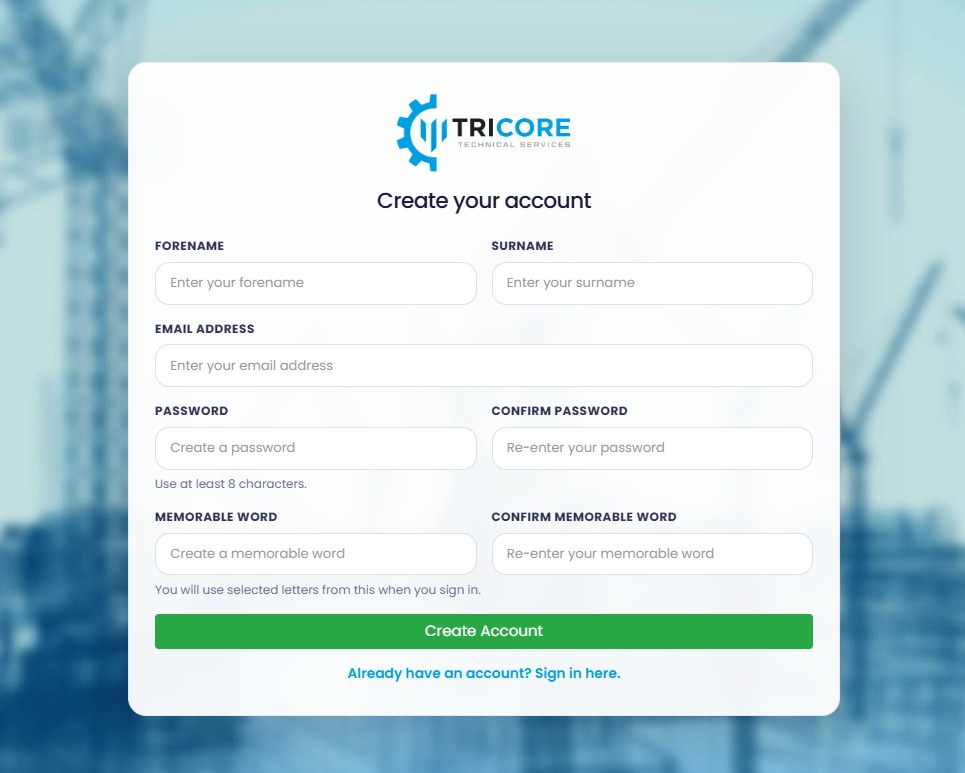
Every Core module from one home screen.
Core Software
Core is built for energy infrastructure and industrial operations that need immediate operational clarity. Track every asset from mobilisation to demobilisation with QR and RFID tagging, keep equipment inspection-ready with automatic calibration reminders, and close out with complete, auditable test packs.
Field teams sync inspections and test records from the mobile app, so the office sees the same single source of truth as site. In Taiwan alone, around 4,000 assets have been tagged and tracked in Core. Contractors onboard through MyTricore, where they are notified of upcoming scopes.
PMProject and commercial managementEQPEquipment tracking with QR and RFID taggingASSETFixed asset management with maintenance alertsQA/QCDigital ITPs, test packs and sign-offRESResource allocation and MyTricore onboardingDASHAutomated, customisable dashboards
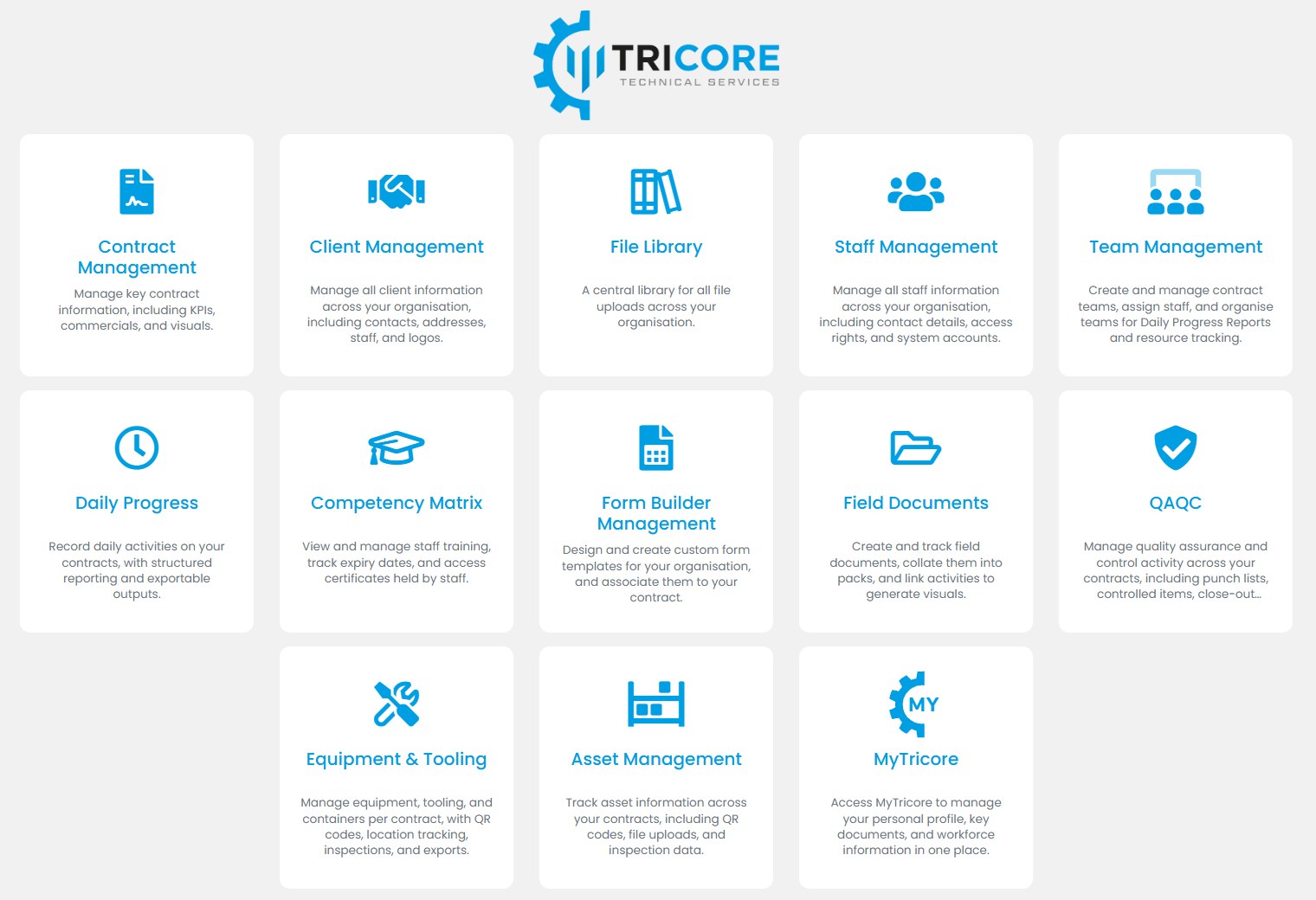
Thirteen modules. One live platform.
The same modules your teams use every day in the Core portal, from contracts and competency to QA/QC and asset records. Filter by area to see how they fit together.
Contract Management
Manage key contract information, including KPIs, commercials and visuals.
Client Management
Manage all client information across your organisation, including contacts, addresses, staff and logos.
File Library
A central library for all file uploads across your organisation.
Staff Management
Manage all staff information across your organisation, including contact details, access rights and system accounts.
Team Management
Create and manage contract teams, assign staff, and organise teams for Daily Progress Reports and resource tracking.
Daily Progress
Record daily activities on your contracts, with structured reporting and exportable outputs.
Competency Matrix
View and manage staff training, track expiry dates, and access certificates held by staff.
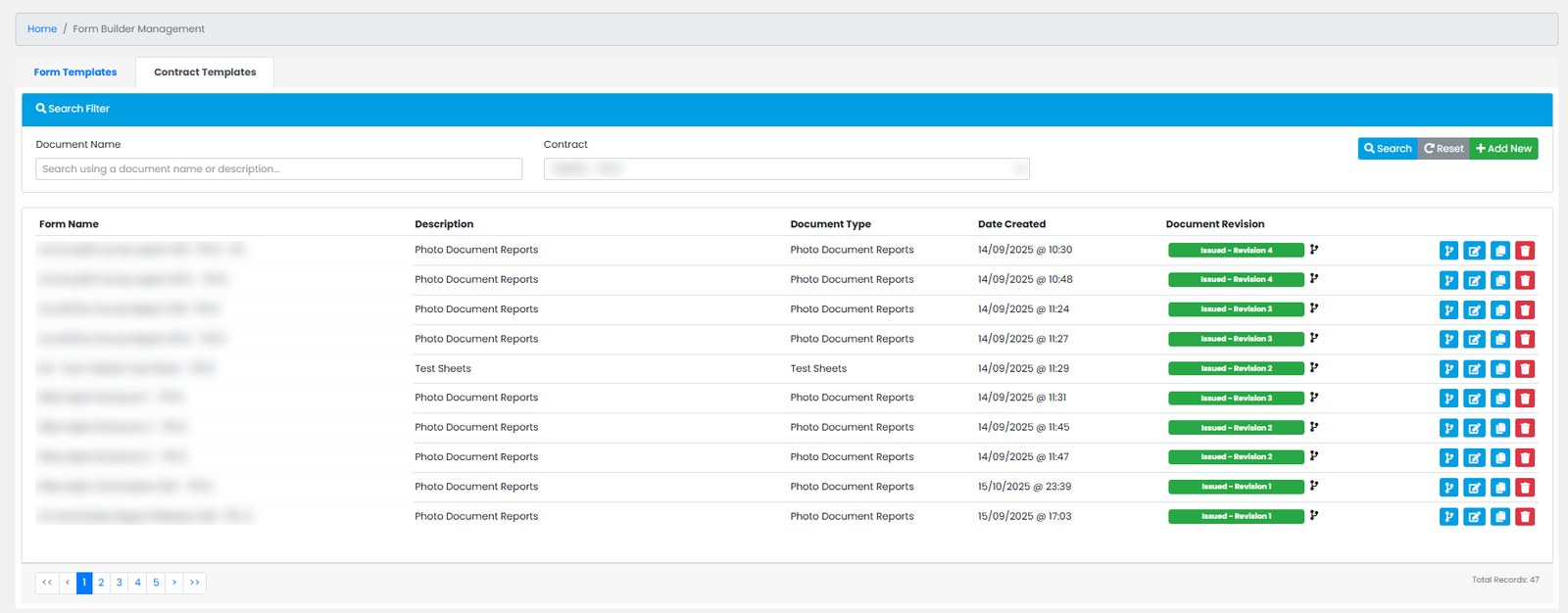
Form Builder Management
Design and create custom form templates for your organisation, and associate them to your contract.
Field Documents
Create and track field documents, collate them into packs, and link activities to generate visuals.
QAQC
Manage quality assurance and control activity across your contracts, including punch lists, controlled items and close-out.
Equipment & Tooling
Manage equipment, tooling and containers per contract, with QR codes, location tracking, inspections and exports.
Asset Management
Track asset information across your contracts, including QR codes, file uploads and inspection data.
MyTricore
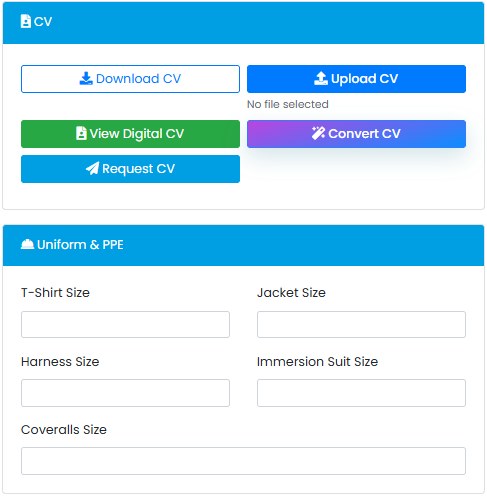
Access MyTricore to manage your personal profile, key documents and workforce information in one place.
- Web portal and mobile app
- QR codes on every asset and tool
- Role-based access for staff and contractors
- Exportable reports and visuals
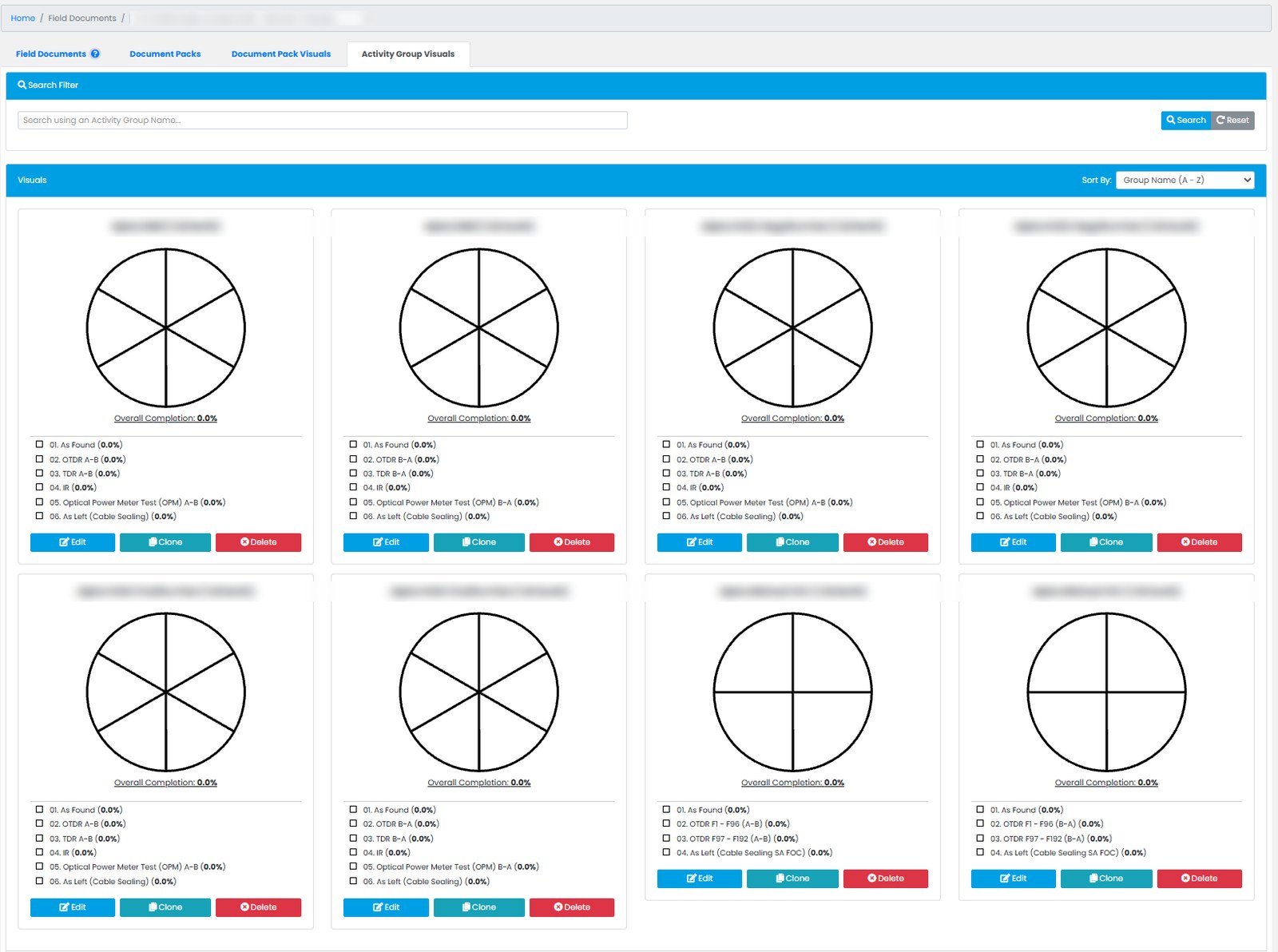
See what’s done, reopened and outstanding
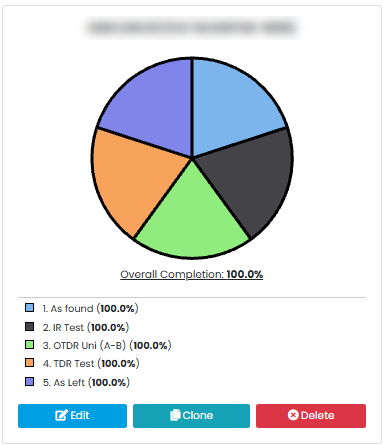
Every checklist and test completed in the field rolls up into a live completion view for each asset. These two records come straight from Core project data.
From site to dashboard, live
- Complete it on siteField teams work through checklists and test sheets in the Core app, with photos captured against each asset.
- Sync to the live recordResults land in the asset’s record straight away, and every reopened checklist keeps its history.
- Track completion anywhereThe office sees completion by asset, system and contract, ready to collate into handover packs.
Shown as recorded in Core. Hover over a slice or a row to see each checklist.
What you get with Tricore
Built by engineers who deliver energy infrastructure projects, so the software follows how site teams actually work.
See every asset, wherever it is
Instant visibility of location, status and condition across all your sites.
Calibration and maintenance reminders
Scan on site, sync to the office.
Customisable dashboards
Shaped to each client and project.
Works on site
Inspections and movements logged on the spot.
LiDAR-powered asset inspections
Precise, in-depth assessments with live asset-health data and periodic maintenance notifications, protecting your investment and saving quality costs.
From first demo to close-out
A clear sequence, with your team live on site from day one.
Book a demo
A specialist walks you through Core.
Configure
Projects, assets and ITPs set up for you.
Onboard
Your team and contractors join via MyTricore.
Go live on site
Mobile syncing from day one.
Close out
Complete, auditable test packs.
Tricore’s project management and commercial solution stands as a cornerstone in our project execution strategy. Its single-source-of-truth approach has streamlined our workflows and safeguarded our financial and operational integrity.
Founder, Zinc Consult
Explore more of what we do
Physical and digital services that work together on every project.

Electrical engineering
Cable testing, jointing and terminations across HV, MV, LV and fibre optic, from FAT to energisation.

Digital twinning
LiDAR and photogrammetry refined into immersive VR models for planning, inspection and training.

Installation & maintenance
Offshore and onshore wind works: BOP, statutory inspections, bolting, torque and pre-assembly.
Eager to innovate with us?
Tell us about your scope, demo request or cable fault and we will connect you with the right specialist.
WIND Group

Engineering services and digital solutions for energy infrastructure.
34 Falcon Court, Stockton-on-Tees, TS18 3TX
+44 1642 204618 · enquiries@tricore-ts.com
Company
© 2026 Tricore Technical Services. All rights reserved.Built and designed by Nawfal (Noah) Benjjaoui